Appointments live in email
Carriers and brokers book by phone and email, and someone retypes each request into a spreadsheet or a calendar. The schedule is as current as its last update.
 (479) 316-0000
A dock schedule kept in a spreadsheet can’t see the purchase order behind an appointment, the equipment at the door or the wave that isn’t picked yet. For warehouses and 3PLs across Northwest Arkansas, we build custom dock scheduling software on your WMS, and let AI propose the fix for your approval. Software you own.
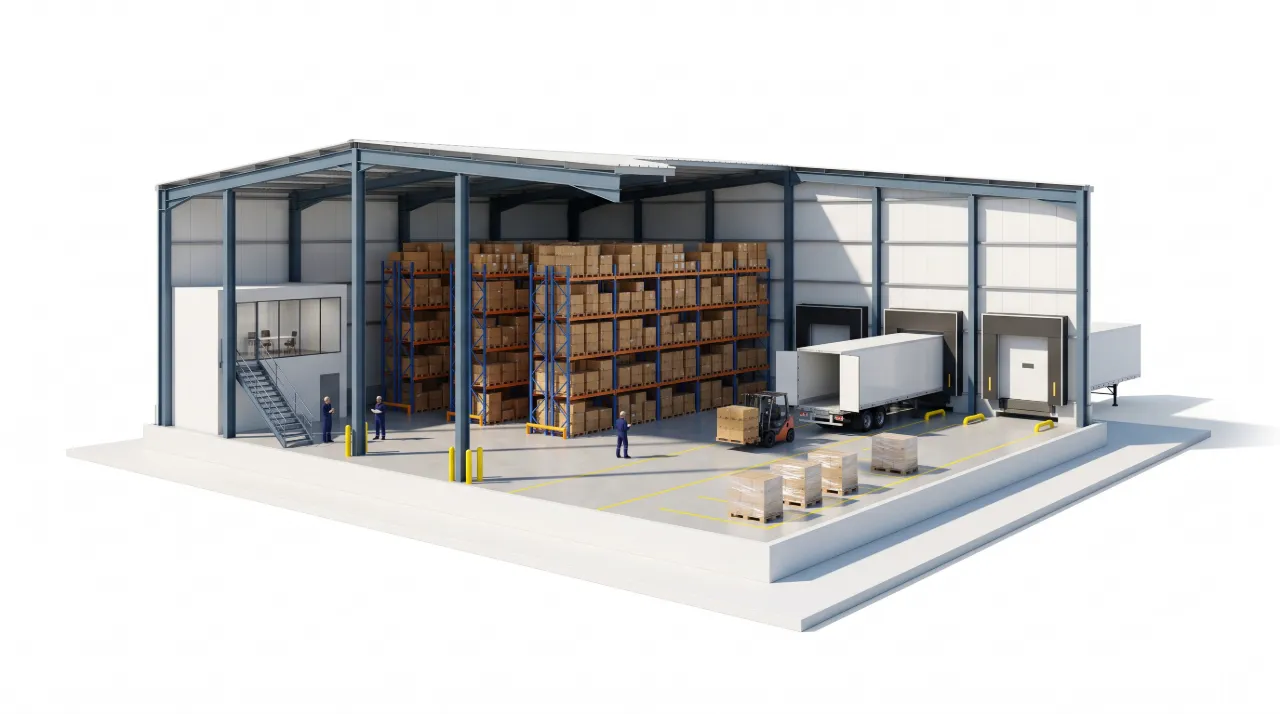
Six doors, one overlapping booking, and a plan that moves the load to a door with the right equipment before the truck arrives.
Dock 2 overlaps from 12:15–12:40. Dock 4 has the equipment and open slot for OUT-308.
This is sample data. Yours would run on the systems you already have.
Talk through your businessCarriers and brokers book by phone and email, and someone retypes each request into a spreadsheet or a calendar. The schedule is as current as its last update.
An appointment is a time and a carrier name. What is on the truck is in the WMS. How long it takes to unload and which door can take it are in someone’s head.
Two loads land on one door in overlapping windows, or a refrigerated load is booked where it can’t unload. Nobody knows until the truck backs in.
A truck outside its window pushes back everything behind it. The reshuffle happens by radio, and the wait can come back later as a detention bill.
AI proposes the door and the window for each request, and the fix when a truck is early, late or double-booked: which load moves, to which door, and what has to be picked or put away first. Your dock lead approves it, and the change is recorded against the appointment.
A schedule is only as good as what it can see. These are the records it reads.
Inbound receiving at one building is the simplest place to start: a fixed set of doors, purchase orders already in the WMS, and a schedule your team keeps by hand. A first project replaces that schedule with one tied to the WMS, adds the door rules and the conflict check, and puts check-in on a tablet at the dock. Outbound loads, customer updates and a carrier request page can follow.
Dock scheduling is one part of the warehouse software we build, alongside picking, inventory and ship-by dates.
Bring this week’s dock schedule, however you keep it, and one day that went wrong. We’ll look at what the schedule would have needed to know.
Talk through your businessA packaged tool is the right answer when booking is the whole problem. We build when the schedule has to read your WMS, follow your door rules or tie into picking and your customers’ reporting. If a packaged tool fits, we’ll say so.
Yes, if you want that. A request page lets a carrier or broker ask for a window against a purchase order. Your rules decide which windows are offered, and your team confirms. Carriers who call or email are entered into the same schedule.
The schedule shows it at check-in or when the window passes, and proposes the next door and time that fit the load. Your dock lead approves the move. The appointment keeps the booked window, the actual arrival and the change, which is the record you need if a carrier bills detention.
Once a project is paid in full, the custom code, configuration and documentation we create for you are yours, handed over in accounts you control. Third-party software, hosting and AI services keep their own licenses and costs.
AI, custom software, or simply a better way to run the day. Tell us what’s on your mind.