Dock double-bookings
Two loads are booked on the same dock in overlapping windows, and the conflict is found when the truck backs in.
Dock scheduling software (479) 316-0000
Appointments, receiving, replenishment and picking move fast and change often. For warehouses and 3PLs across Northwest Arkansas, we connect the records behind them, build the views each role needs, and let AI prepare the next step for your approval. Software you own.
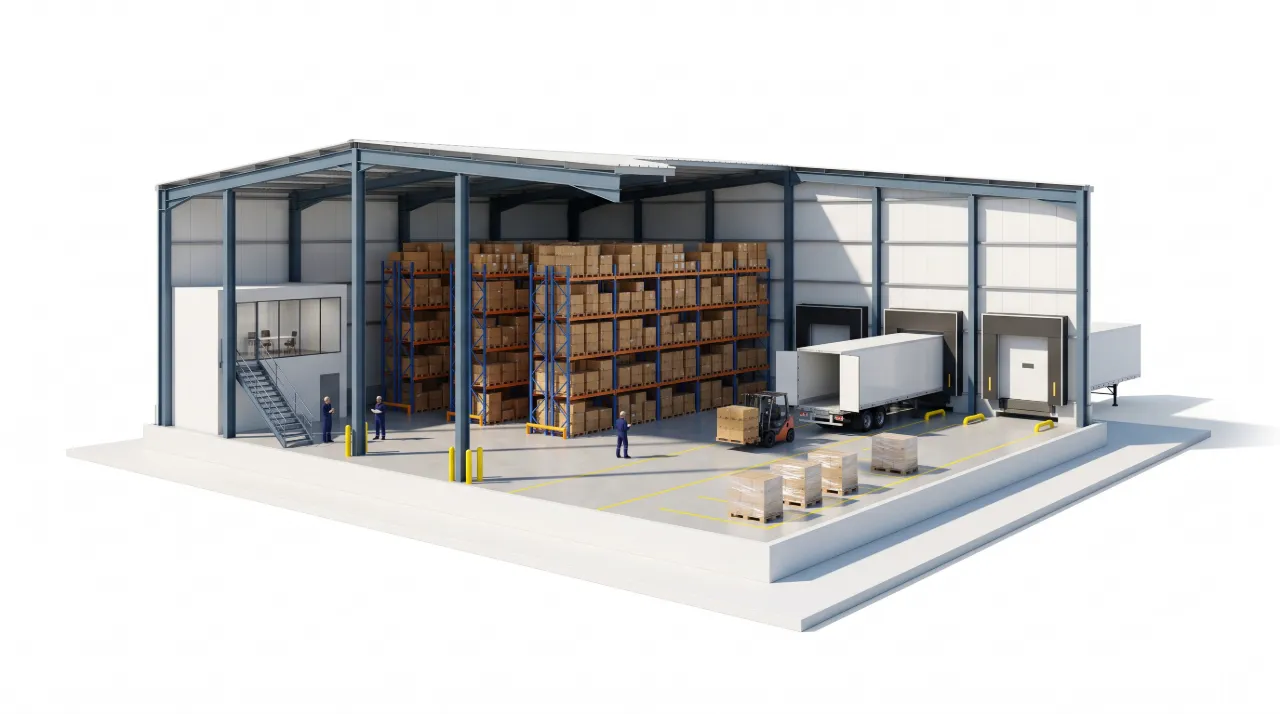
Catch dock double-bookings before the truck backs in, and keep picking, inventory and ship-by dates in one view.
Dock 2 overlaps from 12:15–12:40. Dock 4 has the equipment and open slot for OUT-308.
This is sample data. Yours would run on the systems you already have.
Talk through your businessTwo loads are booked on the same dock in overlapping windows, and the conflict is found when the truck backs in.
Dock scheduling softwareA wave can’t release until a replenishment scan completes, but that dependency lives in someone’s head.
Stock by location, open orders and holds are in different screens, so the next action takes a phone call.
Dispatch, receiving and the customer each keep their own copy of the same arrival.
AI prepares the plan: which dock, which replenishment first, when to release picking. Your team approves it, and approved changes are recorded against the appointment.
Bring one dock, one wave or one handoff. You don’t need a company-wide transformation to start.
Talk through your businessUsually not. We start with your WMS, spreadsheets and scanners, and build the views and connections that are missing.
We design for the devices your team uses: a desktop in the office, a tablet or phone at the dock.
Once a project is paid in full, the custom code, configuration and documentation we create for you are yours, handed over in accounts you control. Third-party software, hosting and AI services keep their own licenses and costs.
AI, custom software, or simply a better way to run the day. Tell us what’s on your mind.